Step 01
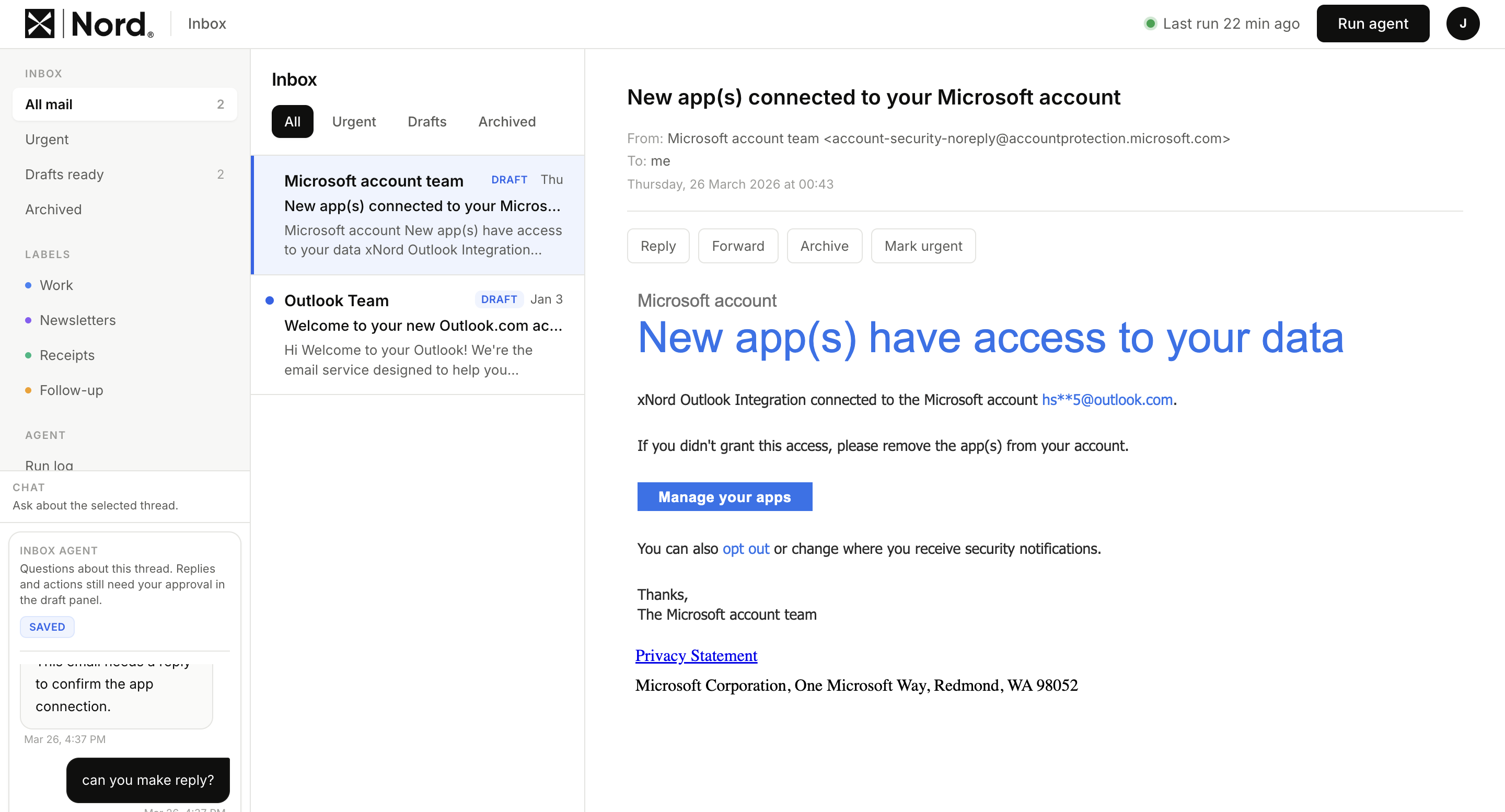
Connect Outlook
Sign in with Microsoft and approve access — we never see your password. xNord uses Microsoft Graph with the scopes you approve.
Microsoft OAuth · encrypted tokens · disconnect anytime
Everything xNord does for you
Step 01
Sign in with Microsoft and approve access — we never see your password. xNord uses Microsoft Graph with the scopes you approve.
Microsoft OAuth · encrypted tokens · disconnect anytime
Step 02
Every few hours xNord scans your inbox, scores urgency, generates draft replies in your voice, and archives the noise. You do nothing.
Hourly · every 2h · every 4h · daily
Step 03
Urgent emails at the top, each with a one-line summary. Drafts queued for approval. Read, approve, send. Close the tab.
Nothing sent without your approval · ever
Know what matters
Investors, customers, and key partners rise to the top while noise disappears automatically.
New on xNord
xNord now runs as a Slack App Home assistant. Run inbox checks, generate drafts, and revise replies — without opening the web app.
Run without opening the app
Run inbox checks in Slack without opening the web app for every action.
Drafts synced in-thread
Generate and revise drafts in-thread while keeping state synced to xNord.
Scoped to inbox tasks only
Keep usage scoped to xNord tasks only with enforced off-topic refusal.
SOCIAL PROOF
Built for founders — but high-volume, high-stakes inboxes exist everywhere. When every email matters, so does every minute.

Most tools make you faster at managing email. xNord removes the need to manage it at all.
← scroll →
All plans include a 7-day free trial. No card required.
SOLO
Most popular
FOUNDER
TEAM

.png&w=48&q=75)
